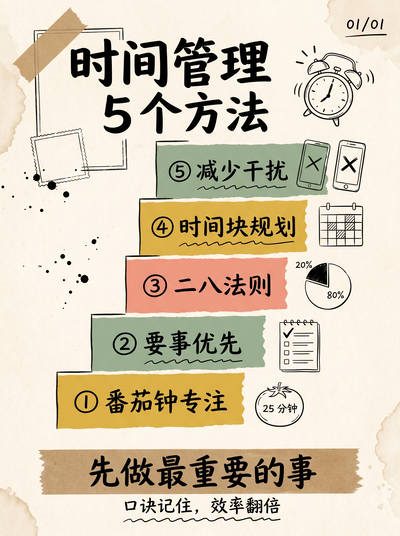
Knowledge Card Studio is a free AI knowledge-card prompt generator for content creators, educators and marketers who want to turn a block of text into a beautifully designed card. It ships 52 styles across 12 categories (hand-drawn doodle, 3D clay, guochao, cyberpunk and more). Pick a style, paste your content, then copy the generated prompt into ChatGPT, Midjourney or Jimeng to render it.
知识卡片(英文版)是一个免费的 AI 知识卡片提示词生成器,帮内容创作者、教育者和运营把一段文字变成设计精美的知识卡。内置 52 种风格、12 个分类(手绘涂鸦、3D 黏土、国潮、赛博朋克等)。用法:选一个风格 → 粘贴你的内容 → 复制生成的提示词,粘贴进 ChatGPT、Midjourney 或即梦即可出图。这是中文版 /studio 的英文界面,两者是同一个工具。
Is Knowledge Card Studio free? Do I need to sign up? / 这个工具免费吗?需要注册吗?
It is completely free with no signup or login required. Open the page, pick a style, paste your content and generate — there is no usage limit.
完全免费,无需注册或登录。打开页面选风格、粘贴内容就能生成提示词,没有次数限制。
Which tools can I use the generated prompt in? / 生成的提示词能在哪些工具里用?
It is a general-purpose text-to-image prompt you can paste into ChatGPT / DALL·E, Midjourney, Jimeng, Nano Banana, Gemini and other mainstream image generators. Both the English and Chinese text are understood.
提示词是通用的文生图 prompt,可以粘贴进 ChatGPT / DALL·E、Midjourney、即梦、Nano Banana、Gemini 等主流生图工具使用,中英双语都能识别。
How does the English version relate to the Chinese one? / 英文版和中文版是什么关系?
It is the same tool with an English interface. The Chinese UI lives at /studio and the English UI at /en; they share the exact same style library and generation engine — only the interface language differs. Use whichever entry you prefer.
这是同一个工具的英文界面。中文界面在 /studio,英文界面在 /en,风格库和生成引擎完全一致,只是 UI 语言不同。你可以按习惯选任意一个入口。
Do I get an image or a prompt? / 输出的是图片还是提示词?
You get a prompt — this site does not generate images directly. Copy the prompt into an image generator such as ChatGPT, Midjourney or Jimeng and it produces the image.
输出的是提示词(prompt),本站不直接生成图片。你把提示词复制到 ChatGPT、Midjourney 或即梦等生图工具里,由它们出图。